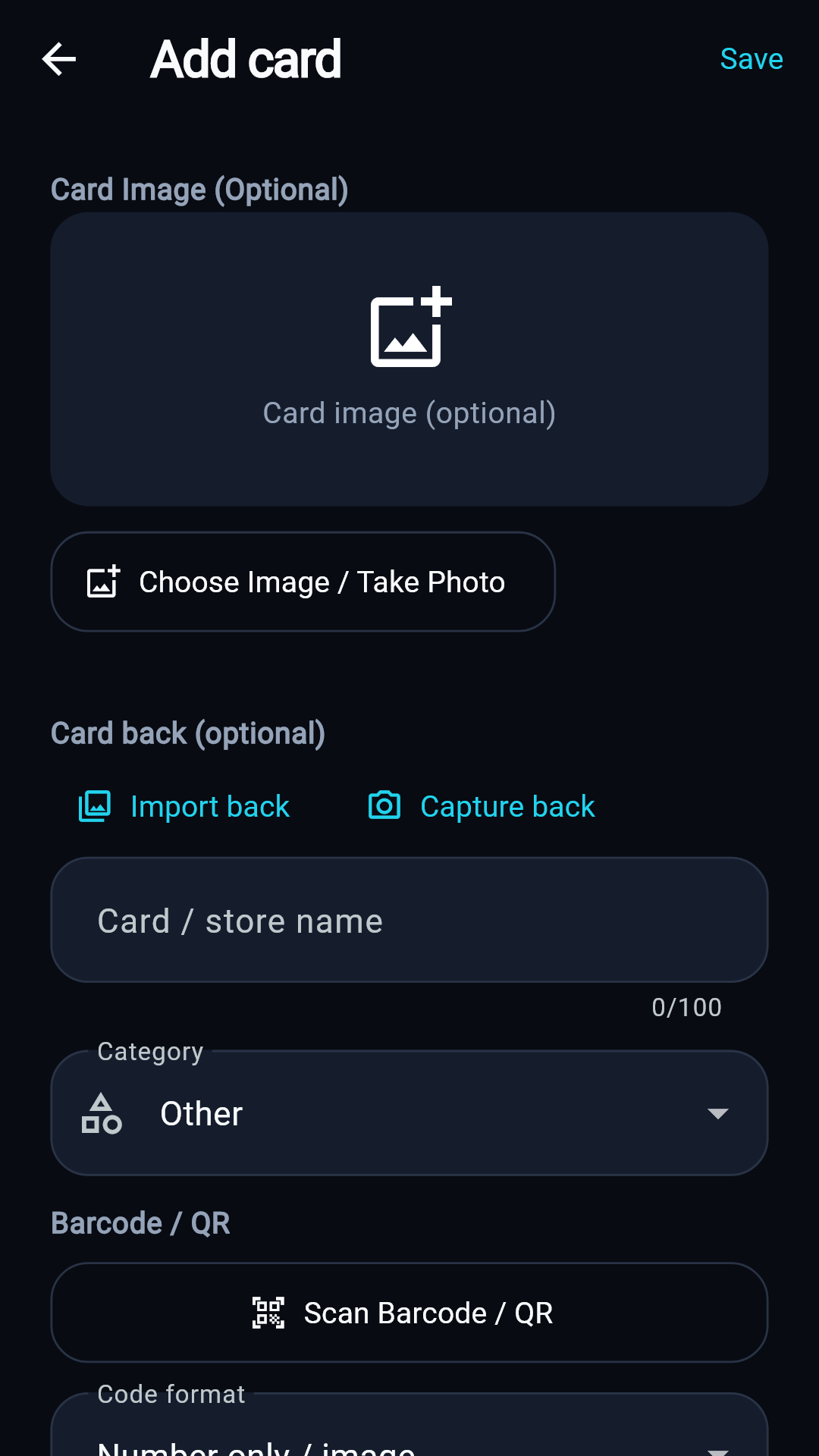
Add a card
Take or import a photo, scan a barcode/QR code, or enter the number manually.
Save, find and show card barcodes or QR codes quickly. Your main collection stays on your phone—no account required and available offline.
CardPadu is currently in closed testing. Google Play availability may be limited to testers.
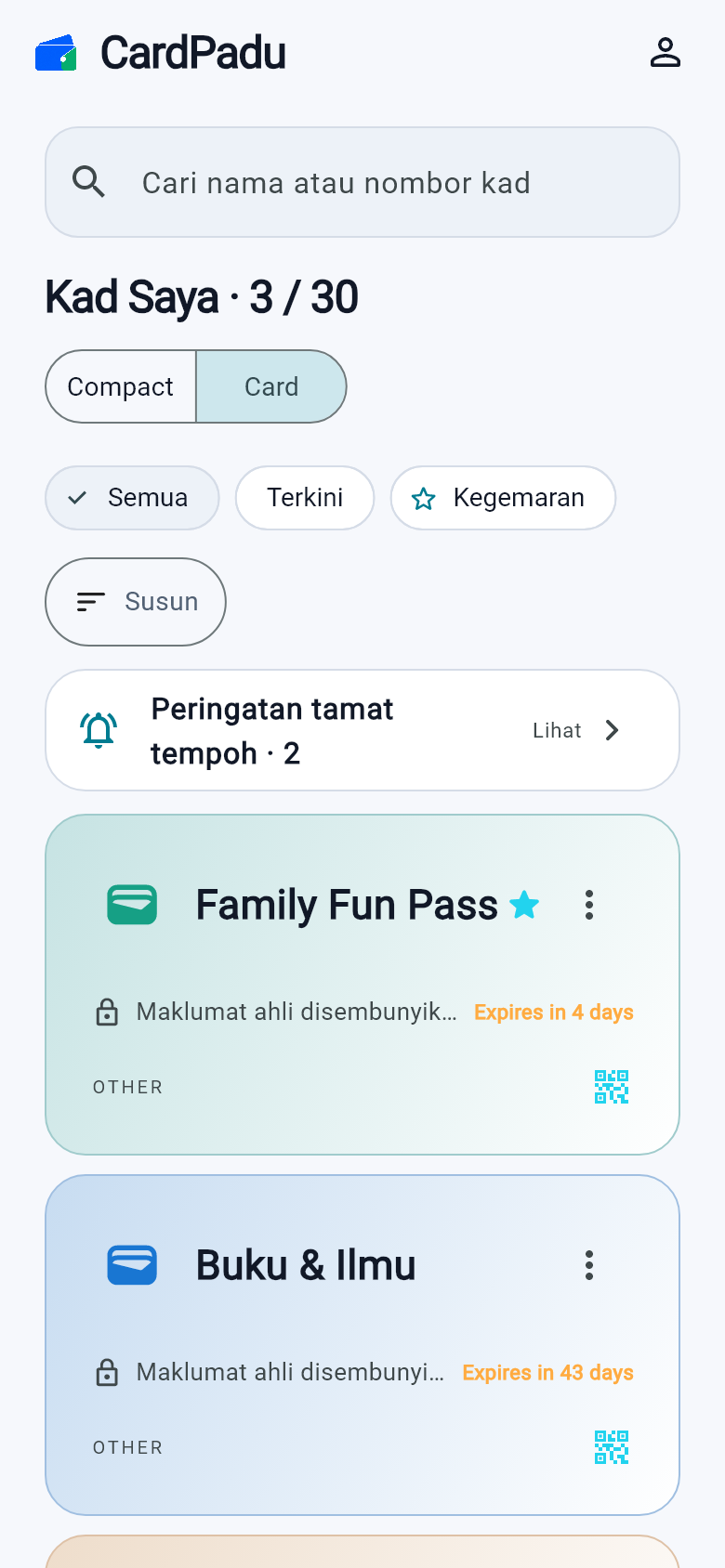
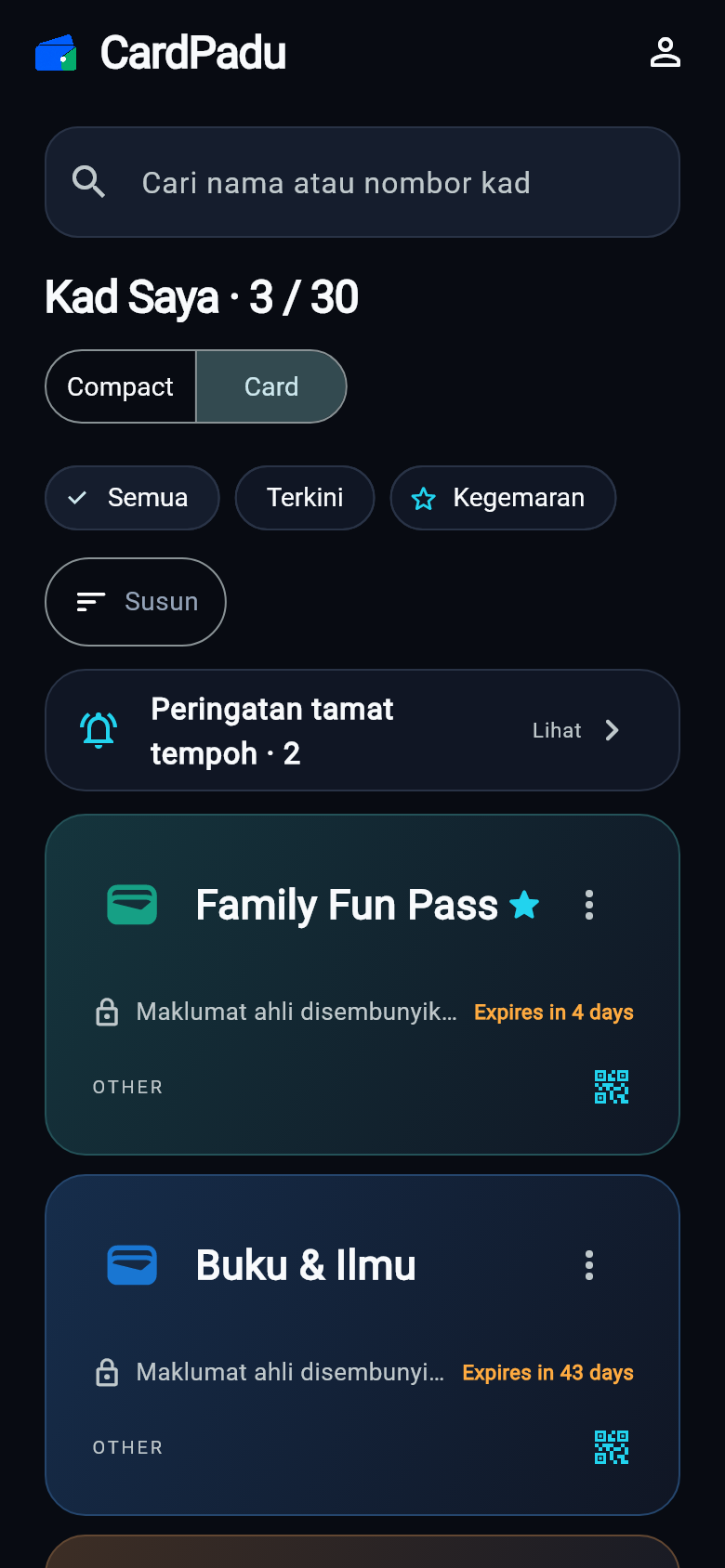
From a physical card to the checkout screen, the flow stays focused on what you need.
Take or import a photo, scan a barcode/QR code, or enter the number manually.
Search, favourite, filter, sort and keep an eye on cards that are about to expire.
Open Show Card for a high-contrast barcode or QR code when it is time to scan.
Every feature below is available in the current CardPadu build—without presenting roadmap ideas as shipped features.
Your main collection is saved on your phone and remains available without internet.
Use the camera, gallery, code scanner or manual number entry.
Search, favourites, filters, sorting, and Compact or Card View.
A barcode or QR code appears only after you choose Show Card.
Clearly distinguish active, expiring, expired and lifetime cards.
Share one card with a 30-minute link, revoke it at any time, and keep the recipient experience simple.
Export or import a .cardpadu file protected by a four-digit PIN.
Switch language and theme to suit the way you use your phone.
We separate available features from the patch candidate so this website always matches the build people can actually use.
Crop and straighten a card photo, then review suggested details before saving. Use without internet is still being tested.
Save and display your own receive QR on your phone. CardPadu does not process or verify payments.
When a newer Google Play version is available, CardPadu will offer an update without blocking app use while it downloads.
These are real CardPadu screens using synthetic demo data—no user card numbers or photos.
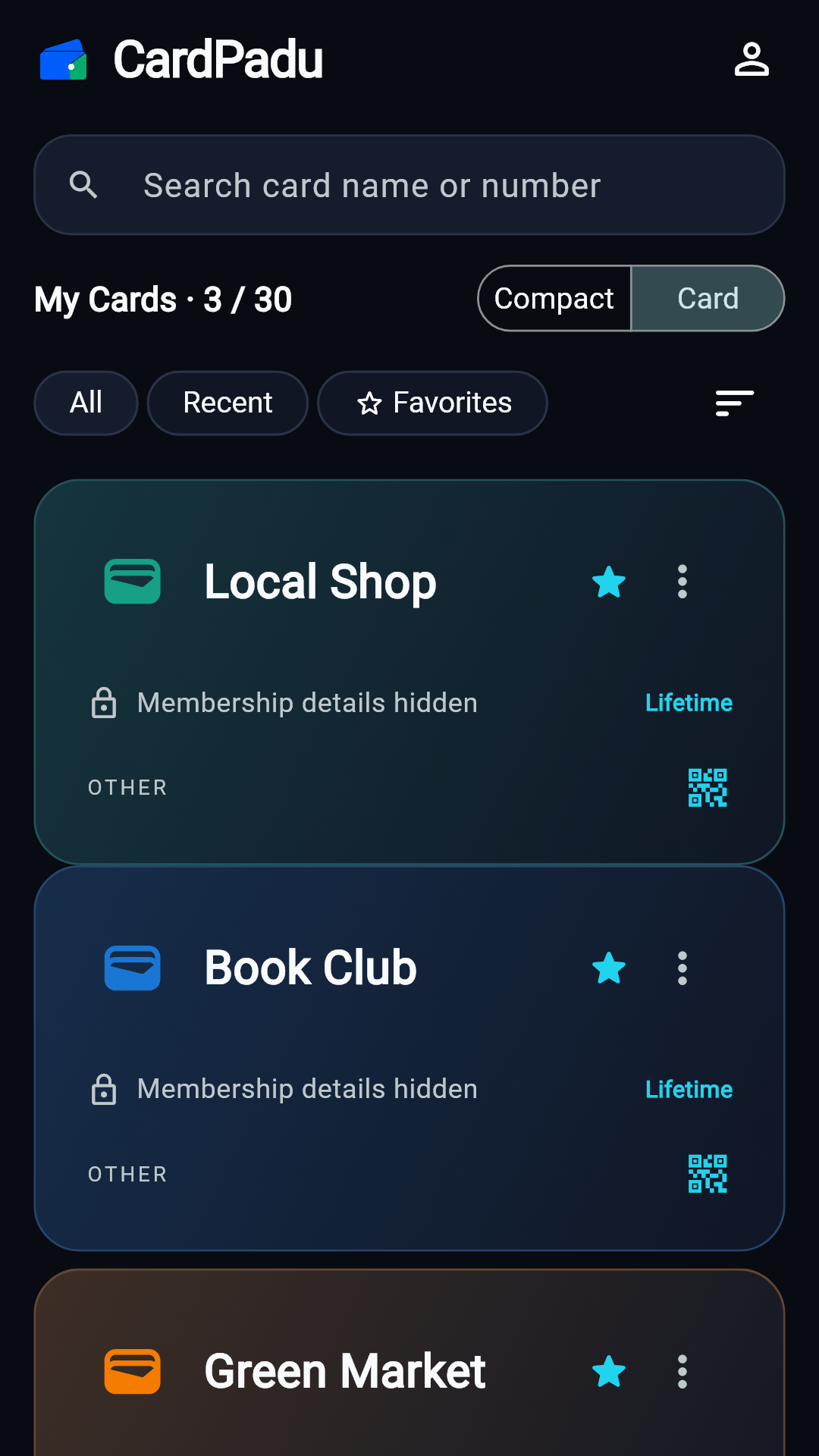
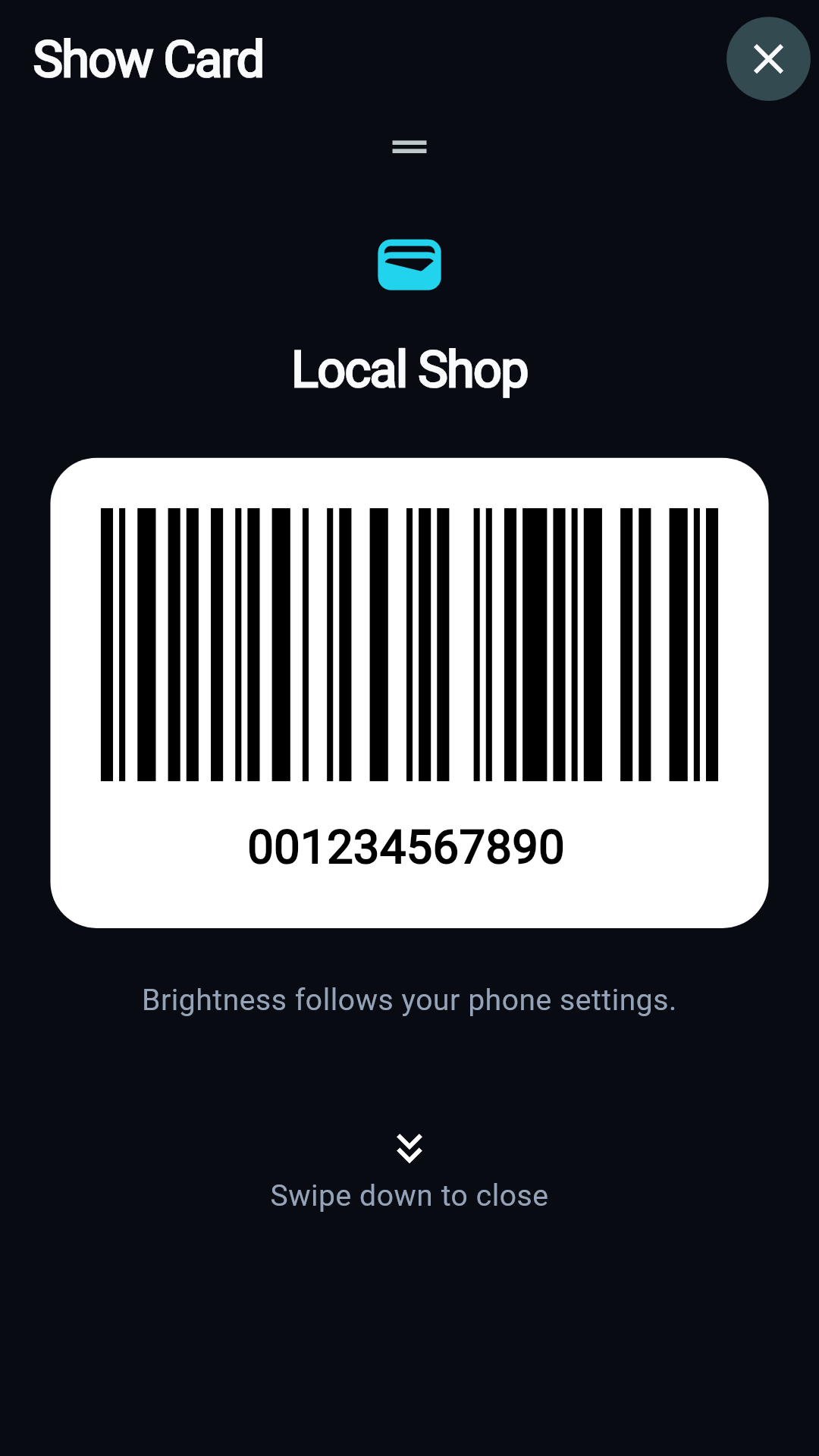
CardPadu starts with local storage and reveals card information only when you choose to show it.
Use CardPadu without a login or cloud profile.
Member numbers, barcodes and QR codes appear only after you tap Show Card.
Private card image copies are stored with encryption on your phone.
A Temporary Share carries only the minimum card image, expires after 30 minutes and can be revoked.
Not for your main collection. Saved cards can be found and opened offline. Internet is required for Temporary Share and external links.
No. The current version opens directly into a local collection without login.
CardPadu supports QR, Code 128, Code 39, EAN-8, EAN-13 and UPC-A. Acceptance still depends on the store's system.
Card metadata and main images are stored on your phone. The current version does not provide cloud backup or multi-device sync.
You can create one link for one card. It expires after 30 minutes, can be revoked immediately, and a new share cancels the previous active share. The recipient page may show a small CardPadu promotion and Google Play link below the card; card content is not used for advertising.
Enable auto-update for CardPadu in Google Play. The next patch candidate will also check when the app opens and offer the official Google Play update flow. Android still requires user consent and installation through Play.
Uninstalling CardPadu or clearing app data removes your unexported local collection. Keep the original cards and export important cards first.
No. CardPadu stores and displays the card information you enter; it does not read points balances or verify membership with stores.
CardPadu currently supports Android only. No iOS launch date has been announced.
Download for Android. Access may be limited while closed testing is in progress.